
01
Smart cropMake room for the subject.
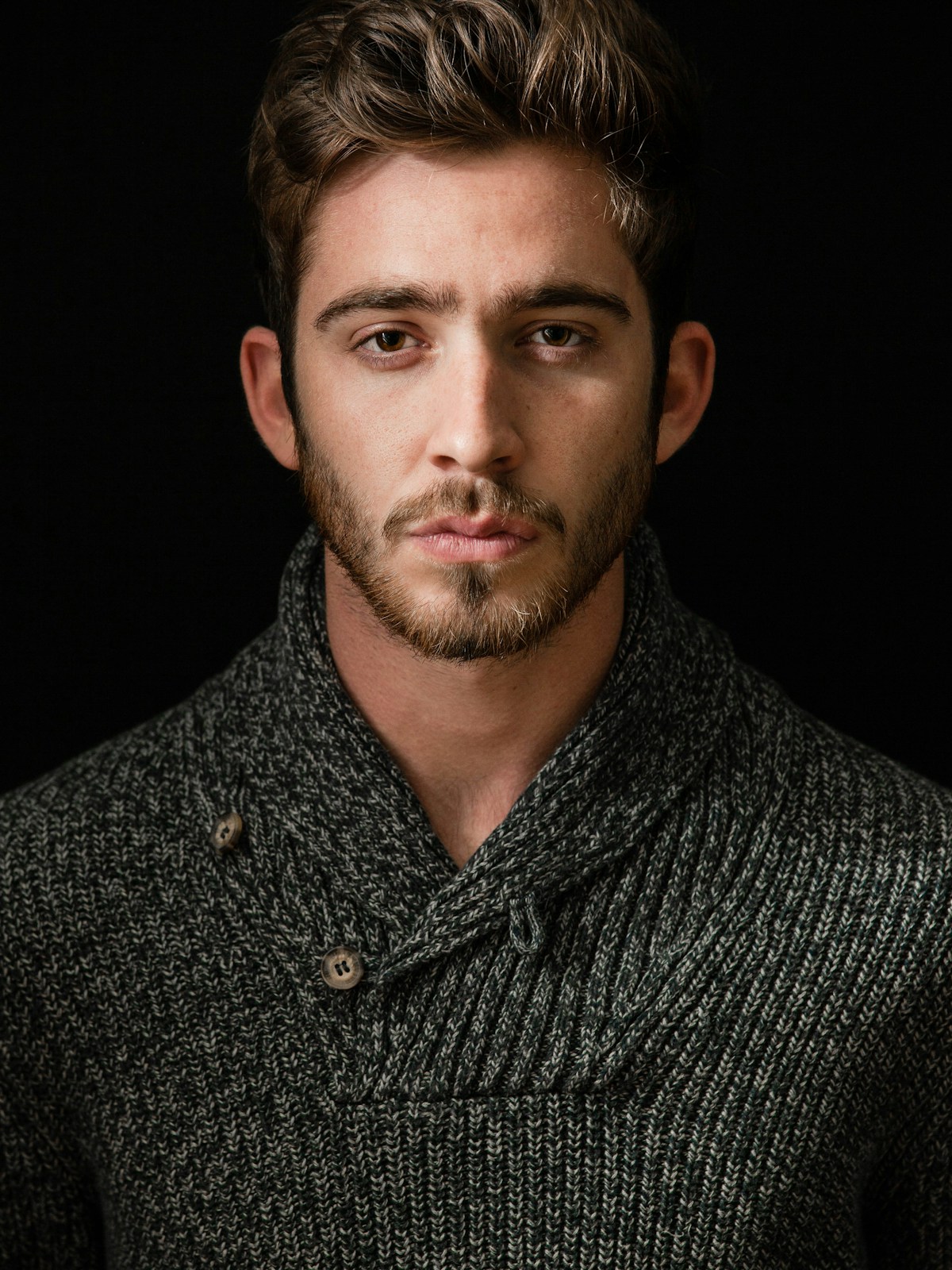
Turn an original into framing suggestions for squares, wide banners and portrait layouts. Review the suggested crop before it becomes a delivery image.
Subject-aware framing · Four layout presetsNine focused AI capabilities. One familiar image pipeline. Choose a tool, review the result and put it to work.
 YOUR ORIGINAL STAYS YOURS
AI suggests. Your team decides. Every generated image or video starts as a private preview, with an explicit approval step before public delivery.
Turn an original into framing suggestions for squares, wide banners and portrait layouts. Review the suggested crop before it becomes a delivery image.
Subject-aware framing · Four layout presetsCreate a transparent PNG for products, people and editorial cards. Inspect fine edges against the checkerboard preview, then approve the cutout for delivery.
Transparent PNG · Local AI extractionGenerate concise image descriptions and useful tags in Hebrew or English. Review the suggestion in the context of your page before using it as alt text.
Hebrew & English · Copy-ready suggestionsDetect faces and vehicle license plates, then inspect a proposed blur before publishing. Detection may miss details; your team reviews the full image.
Faces & plates · Review before publishingCreate 2× or 4× output with AI reconstruction and optional noise preprocessing. Review faces, text and fine details: generated detail is an estimate.
2× / 4× · Generative enhancementGenerate missing edges for banners, cards or stories. Choose exact canvas dimensions or a layout preset, position the original and describe the surrounding background. Review the generated area before delivery.
Exact canvas sizes · Protected source areaSearch your indexed workspace images in Hebrew or English. Add images from published sources in background batches, then find them with a phrase instead of a filename.
Private workspace index · Up to 1,000 imagesGenerate a short clip from a source image with a gentle zoom, pan or custom motion direction. Watch the complete preview before approving delivery.
4 / 6 / 8 seconds · 720p · No audioExtract the foreground and create a new background from your prompt. Try a modern office or describe your own scene, then review the edges and lighting.
Local foreground matting · AI-generated sceneApproved crops and cutouts become saved image assets. The existing URL API handles their output sizes and formats.
Saved results are reused for the same source image, tool and settings during retention. Another output size does not require another AI call.
Workspace operation limits keep provider attempts separate from standard image transformations and delivery. Provider fees are additional; AI pricing is quoted separately.
Keep the original. Preview the generated image. Approve it before creating a public delivery URL. Descriptions remain suggestions for your team to review.
AI Studio is a feature for configured workspaces. Smart crop and descriptions require AI processing to be enabled. Background removal uses the configured local foreground model; a connected remove.bg account is optional. Image-to-video requires video generation to be enabled, model access and a separate video attempt limit; generated previews may incur provider charges before approval. Availability depends on provider access and workspace limits. Image-to-video also requires video generation to be enabled and has a separate attempt limit. Saved images and videos expire according to the source retention policy.
AI can miss a subject, leave imperfect edges or suggest an inaccurate description. Review your own images and intended layouts before publishing.
OCR is a possible addition for a future release. Background replacement, removal, expansion and enhancement are included in the configured AI Studio. Generative expansion and enhancement are included in the configured AI Studio.
Let’s build a simpler image pipeline for your next million requests.
Enterprise image optimization. Built for scale.