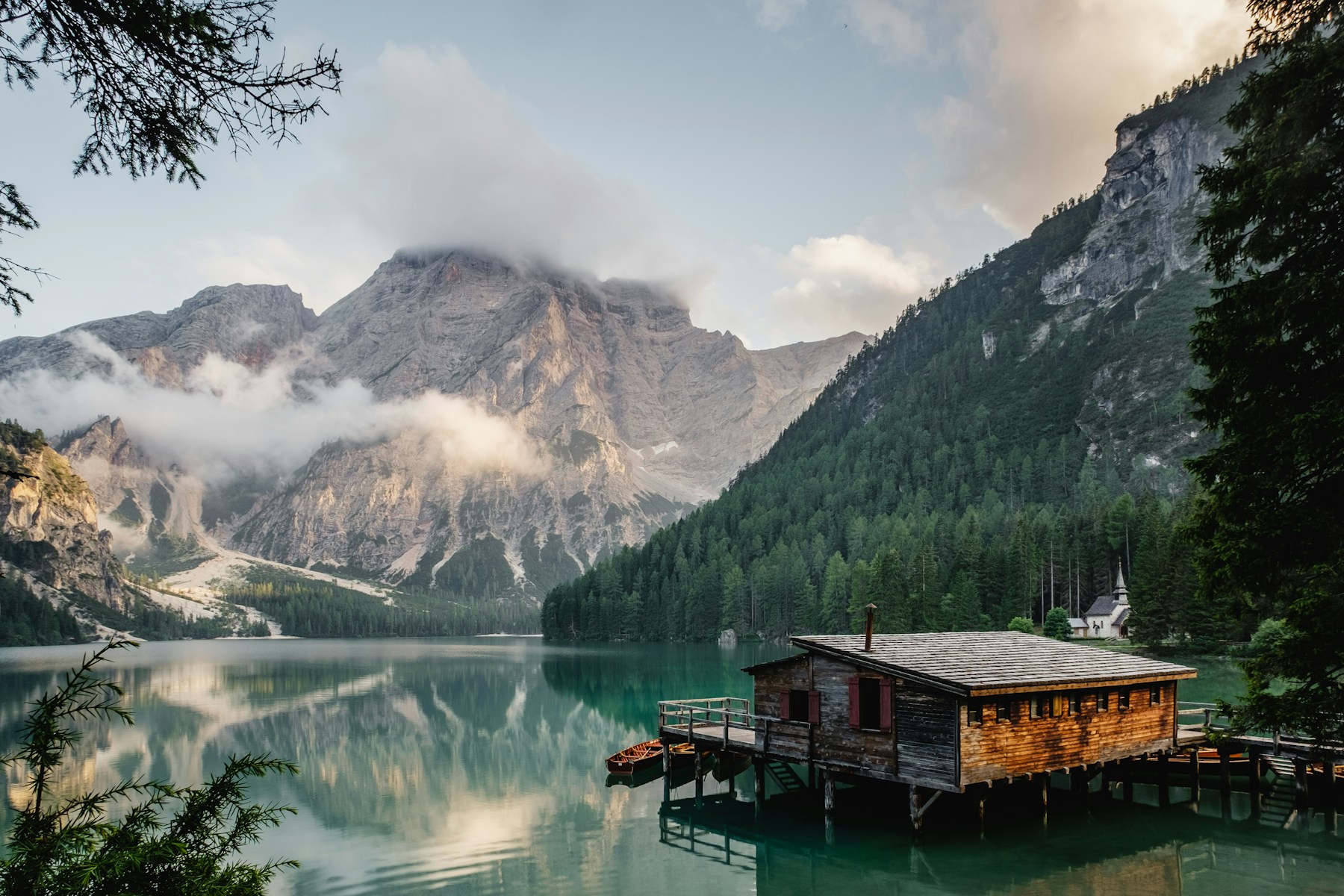
Every image. The right size.
Resize, crop, set a focal point and tune quality with straightforward URL parameters. One original, all your layouts.
w=800&fit=cropConnect the image library you already have. Transform what your product needs. Deliver it through a cache-first pipeline.
Resize, crop, set a focal point and tune quality with straightforward URL parameters. One original, all your layouts.
w=800&fit=cropServe AVIF or WebP to browsers that support them, with JPEG and PNG fallbacks. Keep format decisions in the pipeline.
auto=format,compressDeliver optimized images through a fast, global CDN. Keep image-heavy experiences responsive for audiences around the world.
Fast global CDNSeparate caches for originals and transformed variants help avoid repeated downloads and encoding work.
Original → variant → edgeKeep your existing HTTPS image origin and use the CDN that fits your enterprise. Deliver directly or route through your own CDN with a first-party proxy.
images.yourdomain.comScoped API keys, optional signed URLs, workspace roles and configurable limits put your team in charge of delivery.
Sources · keys · quotasSave changes as drafts, test a sample image and publish a configuration revision. Roll back a source configuration when you need to restore a previous setup.
Separate sources by workspace. Give users Viewer, Editor or Admin roles. Scope machine credentials to the actions and sources they need.
Use the shared Imgexo hostname, configure a verified custom subdomain with managed HTTPS, or integrate a first-party path through your own server or CDN.
Inspect transformation and origin-service usage. Delivery analytics use the configured load-balancer log export, with ingestion delay. Origin counters are not a substitute for total edge traffic.
Keep the delivery layer your organization already uses. Route image requests through your own CDN while Imgexo handles optimization and transformation.
Requires proxy configuration on your CDN or server. Coordinate invalidation across both cache layers.
Crop it. Enhance it. Transform it with AI.
One playground. Explore every possibility.
Compare the complete images. Changes update the optimized image.
Imgix-compatible manual crop: fp-x / fp-y from 0 to 1, fp-z from 1 to 100. Defaults: 0.5, 0.5, 1. Use fit=crop. Focal-point API guide
Auto negotiates a supported format for this browser. PNG is lossless; quality controls apply to lossy formats.
The file sizes shown are measured from the actual encoded output.
Resize, crop, optimize and apply supported effects in the same image URL.
Find the face, crop around it and create a circular profile photo with transparent corners. This keeps the original photograph; it does not draw a new character.
The portrait demo reuses detected face coordinates. Larger padding adds context.
The preset creates a 400 × 400 PNG. Adjust dimensions in Resize & crop or choose another transparent format in Optimize.
Explore the avatar APICompose a headline and logo in one URL. Try English or Hebrew.
The demo uses a bundled logo. Connect a Source to use your own logo image. Text and logos are part of the downloaded image.
Select a face or person on the original. The dashed outline shows your actual output crop.
Loading saved subject analysis…

Manual focal points use the same fp-x, fp-y, fp-z and fp-debug URL parameters as Imgix. View migration examples
Subject numbers belong to this image, not to a person’s identity.
Real transformations on bundled demo images. Results vary by source and settings. Demo limits apply. Explore the image API
Let’s build a simpler image pipeline for your next million requests.
Enterprise image optimization. Built for scale.