Enterprise images.
Optimized at scale.
Image optimization. Powerful transformations. Built for enterprise.
Resize, compress and transform every image with a simple URL.
Keep your existing image origin and CDN.
THE IMAGE PLAYGROUNDOne image.
One image.
Every possibility.
Crop it. Enhance it. Transform it with AI.
One playground. Explore every possibility.
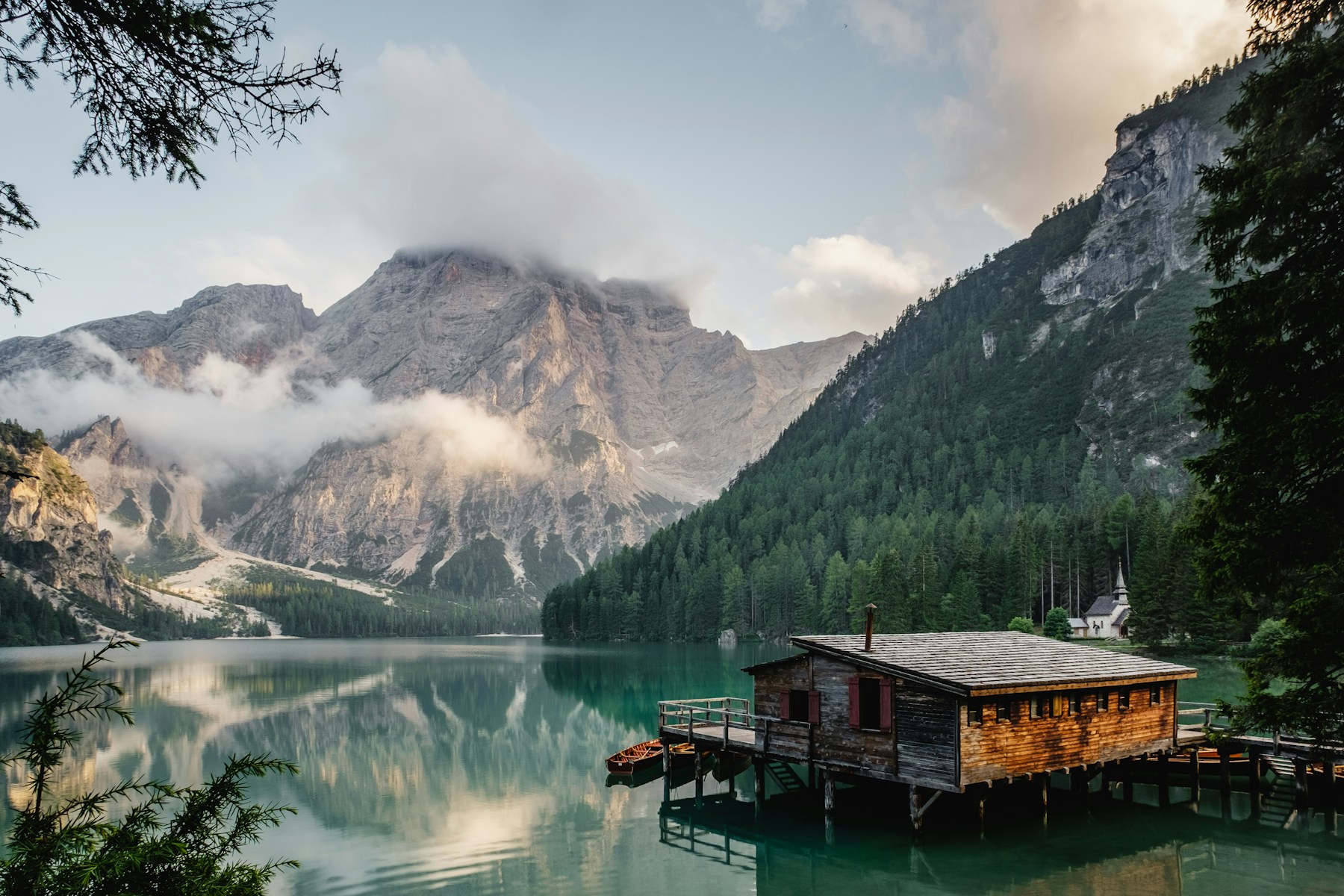
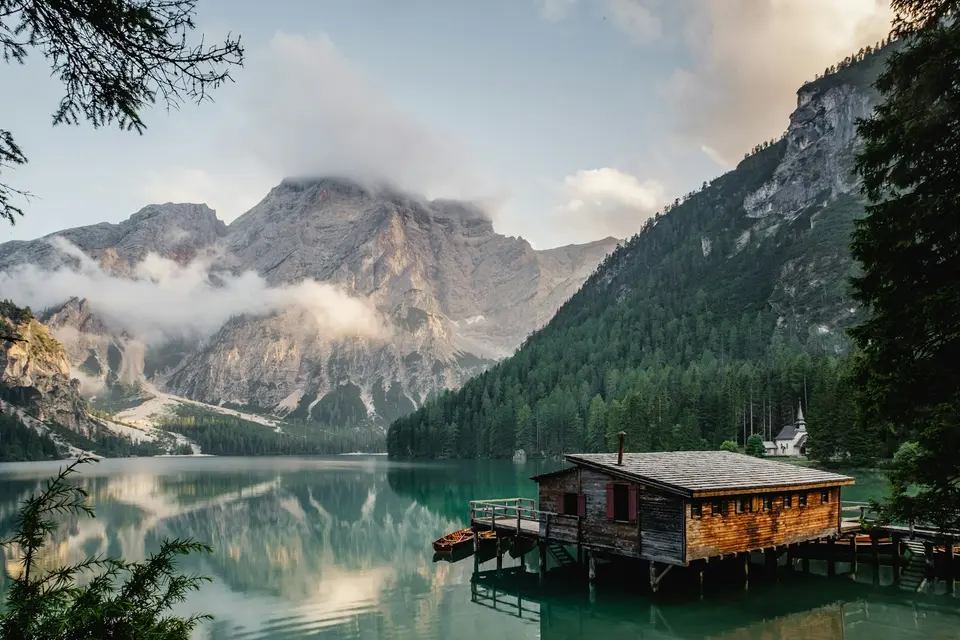
Original471.5 KB
Output79.8 KB
Dimensions960 × 640
File size change83% smaller
Compare the complete images. Changes update the optimized image.
MAKE IT FIT YOUR LAYOUT
Imgix-compatible manual crop: fp-x / fp-y from 0 to 1, fp-z from 1 to 100. Defaults: 0.5, 0.5, 1. Use fit=crop. Focal-point API guide
Extract a region
FEWER BYTES. YOUR QUALITY.
Auto negotiates a supported format for this browser. PNG is lossless; quality controls apply to lossy formats.
Smaller filesMore detail
Try the same image in a new format.
The file sizes shown are measured from the actual encoded output.
THE FINISHING TOUCHES
Combine transformations.
Resize, crop, optimize and apply supported effects in the same image URL.
YOUR PHOTO. READY FOR A PROFILE.
A face. A perfect fit.
Find the face, crop around it and create a circular profile photo with transparent corners. This keeps the original photograph; it does not draw a new character.
The portrait demo reuses detected face coordinates. Larger padding adds context.
The preset creates a 400 × 400 PNG. Adjust dimensions in Resize & crop or choose another transparent format in Optimize.
Explore the avatar APITEXT AND LOGO LAYERS
Your image. Your message.
Compose a headline and logo in one URL. Try English or Hebrew.
The demo uses a bundled logo. Connect a Source to use your own logo image. Text and logos are part of the downloaded image.
PEOPLE IN FOCUS
Choose who stays in frame.
Select a face or person on the original. The dashed outline shows your actual output crop.
Loading saved subject analysis…
Manual focal points use the same fp-x, fp-y, fp-z and fp-debug URL parameters as Imgix. View migration examples
Subject numbers belong to this image, not to a person’s identity.
Real transformations on bundled demo images. Results vary by source and settings. Demo limits apply. Explore the image API
FOR THE WEBSITES WHERE EVERY IMAGE COUNTS
Enterprise publishers E-commerce Marketplaces SaaS platforms
A simpler image stackEverything your images need.
Everything your images need.
Room for everything you’re building.
The image infrastructure essentials, thoughtfully connected.
Every image. The right size.
Resize, crop, set a focal point and tune quality with straightforward URL parameters. One original, all your layouts.
w=800&fit=cropModern formats, automatically.
Serve AVIF or WebP to browsers that support them, with JPEG and PNG fallbacks. Keep format decisions in the pipeline.
auto=format,compressDelivery with a global edge.
Deliver optimized images through a fast, global CDN. Keep image-heavy experiences responsive for audiences around the world.
Fast global CDNCreate once. Serve again.
Separate caches for originals and transformed variants help avoid repeated downloads and encoding work.
Original → variant → edgeYour origin. Your URLs.
Keep your existing HTTPS image origin and use the CDN that fits your enterprise. Deliver directly or route through your own CDN with a first-party proxy.
images.yourdomain.comControl that stays with you.
Scoped API keys, optional signed URLs, workspace roles and configurable limits put your team in charge of delivery.
Sources · keys · quotasLess explaining. More showing.One image.
One image.
A world of possibilities.
Optimize the essentials. Explore what AI can add.
Twelve ways to put your images to work.
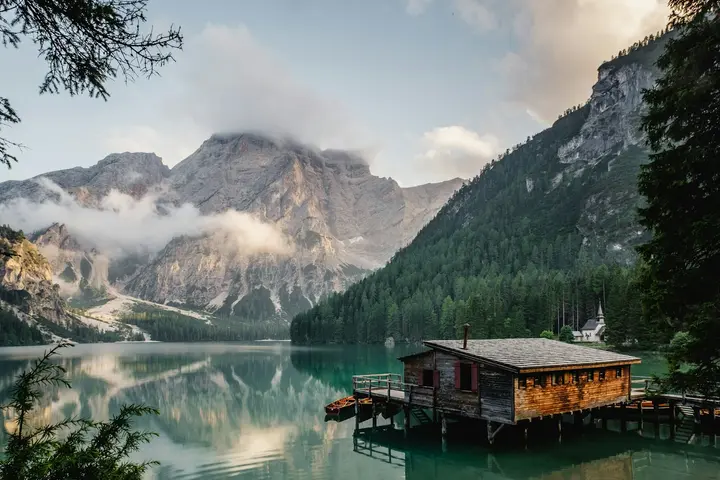
WebP48.0 KB720 × 480 · quality 75
Optimization & formats
Same scene. A lighter footprint.
Compare real JPEG, WebP and AVIF files. Choose your format and quality, or match the browser automatically.
Compare image formatsSUBJECT-AWARE. EVERY LAYOUT.
Smart crop
Every frame. The right focus.
Keep the subject in view across banners, squares and portrait layouts. Switch between saved AI crop suggestions.
Explore smart cropping
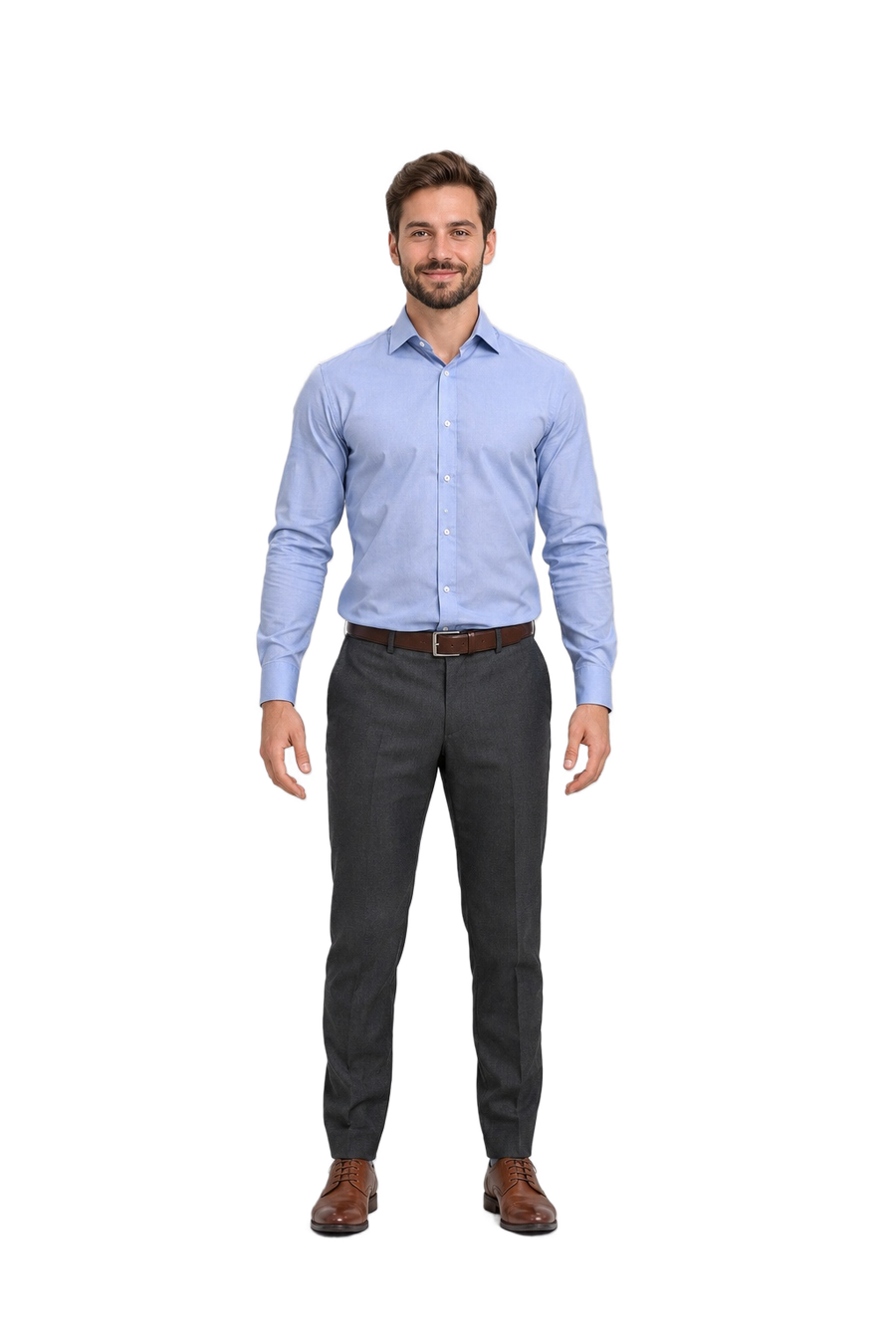
Background removal
Your subject. Nothing in the way.
Extract the actual foreground into a transparent PNG. Drag to inspect the original and cutout, including the edges around hair.
Try background removal
Background replacement
Same person. A whole new setting.
Place a full-length subject in a bright modern office, keeping the head, hands and feet in frame. Compare real saved outputs in the Playground.
Change the scene
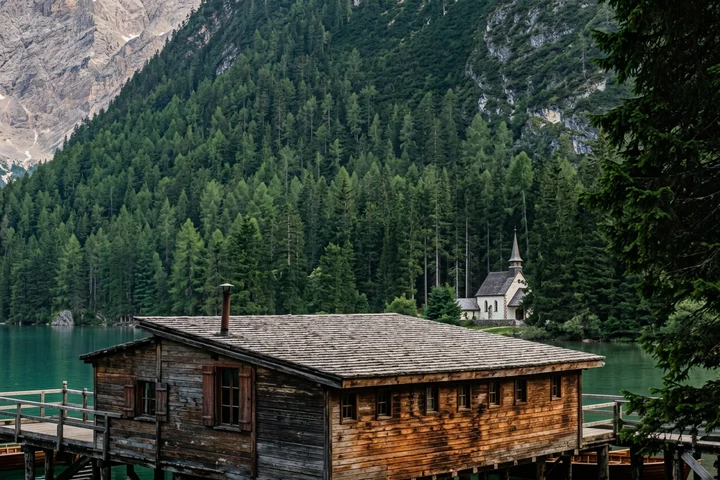
Enhance & upscale
Small image. Bigger possibilities.
Bring low-resolution images into larger layouts with 2× or 4× AI enhancement. Compare the reconstructed detail before approval.
Explore image enhancement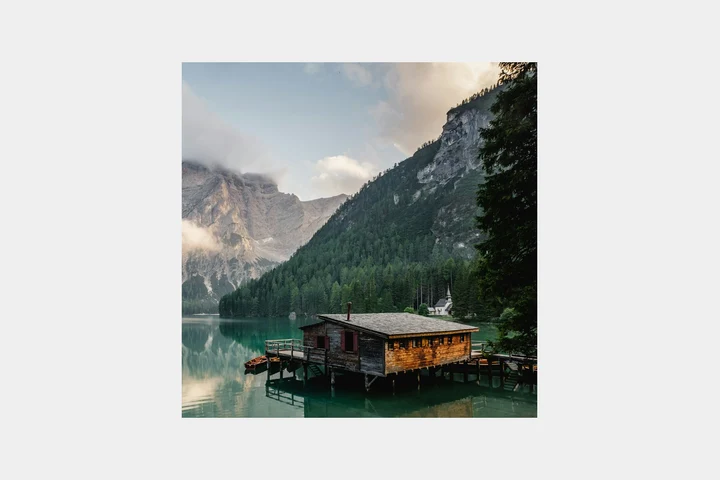
Generative expand
Make room for the story.
Extend the scene to fit a new layout. Generate the surrounding canvas while keeping the placed original protected.
Explore generative expansion6-second AI output · no audio
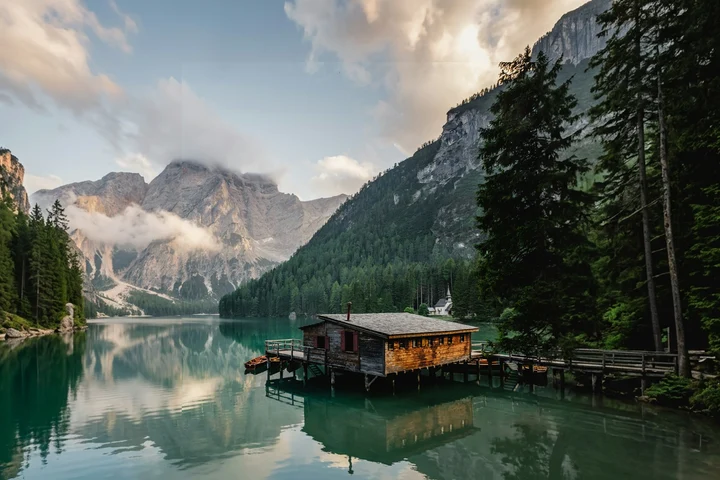
Image to video
Let the scene breathe.
Animate a photo with subtle, natural movement. This saved six-second AI example brings a mountain lake to life.
Explore image to video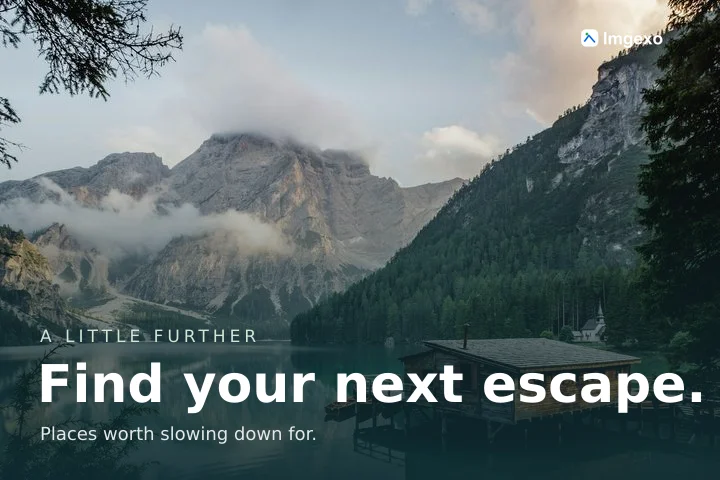
Text & logo layers
Your image. Your signature.
Add your headline and logo to create on-brand social cards. One image URL, with English or Hebrew text.
Build your own image
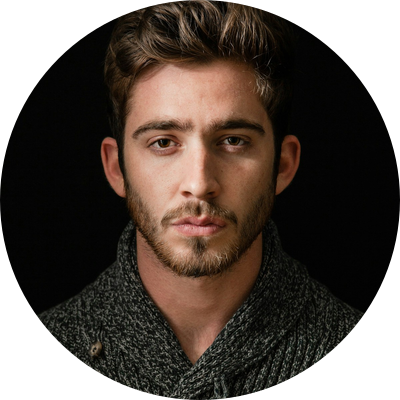
Face-aware avatars
Put a face to your product.
Turn a portrait into a neatly framed, circular avatar. Face-aware positioning and transparent corners, ready for your UI.
Explore face-aware avatars
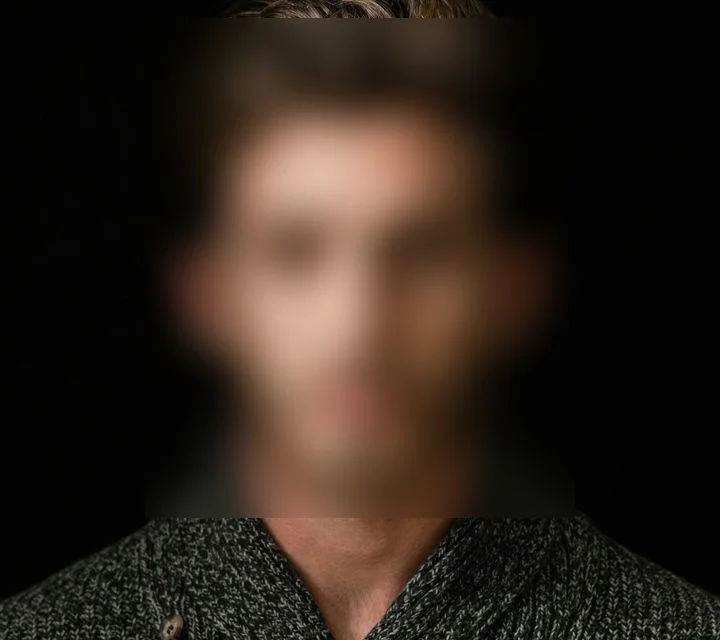
Privacy blur
Keep the moment. Protect the face.
Propose a blur for detected faces and license plates. This example shows a face; review every image before publishing.
Explore privacy toolsSAVED AI DESCRIPTION
Close-up portrait of a man with brown hair and a beard, looking directly at the camera with a serious expression. He wears a dark grey marled knit shawl-collar sweater against a solid black background.
man · portrait · beardAlt text & tags
Give every image a voice.
Start with AI descriptions and tags in Hebrew or English. Review the wording in the context of your page before using it.
Explore image descriptionsSAVED VISUAL SEARCH3 images
A cabin by a mountain lake


Natural-language search
Describe it. Find it.
Search your indexed images with words instead of filenames. Try three saved searches and see the actual visual-similarity ranking.
Explore image searchMade for developersA URL.
A URL.
A few parameters.
You’re building.
Your stack stays your stack. Connect an HTTPS origin, choose your defaults and turn one image into the sizes your product needs.
Get to know the API// One original. Every screen. const image = 'https://imgexo.com/shop/product.jpg'; <img src={`${image}?w=800&auto=format,compress`} srcSet={[ `${image}?w=400&auto=format,compress 400w`, `${image}?w=800&auto=format,compress 800w`, ].join(', ')} sizes="(max-width: 600px) 100vw, 800px" width={800} height={600} alt="Your next best-selling product" />
Efficient by architecture
Give every request less to do.
A cache-first pipeline keeps repeated requests off the processing path.
Your originKeep your originals
→ImgexoTransform on demand
→Variant cacheReuse generated images
→Your CDNOr choose Imgexo delivery
Considering a switch?Your images can do more.
Your images can do more.
Your image stack can do less.
Compare Imgexo with Imgix, Cloudinary, ImageKit and Cloudflare Images. Find the right fit for your enterprise image workload.
Compare image platforms ImgexoFocused image infrastructure
↔Your optionsImgix · Cloudinary · ImageKit · Cloudflare
THE DETAILS MATTER
Take a closer look.
Slide to compare the original with the actual optimized output. Zoom in to inspect skin, knitwear and fine edges.

Original JPEG411.5 KB
Optimized WebP195.6 KB
Same dimensions1200 × 1600
File size reduction52% smaller
Drag, tap or use the arrow keys to move the divider. These are real files at the same dimensions; savings vary by image and settings.
A little more clarity
Good questions. Straight answers.
What is Imgexo?
Imgexo is an enterprise image optimization and transformation platform for development teams. Connect an existing HTTPS image origin, transform images using URL parameters and keep your existing CDN. Imgexo delivery is also available.
Do I need to upload my entire image library?
No. Your originals stay at the configured HTTPS origin. Imgexo fetches requested images and stores cached originals and generated variants separately. Connecting a source does not start a full-library crawl.
Can I use my own CDN?
Yes. You can route image requests through your existing CDN using a first-party proxy to a fixed Imgexo source. Imgexo handles image transformation while your team controls the outer delivery route and cache policy. The integration requires configuration on your CDN or server; DNS alone does not proxy a path.
Can I switch from Imgix?
Imgexo supports a defined subset of Imgix-style image parameters, including width, height, fit, crop, quality, format, DPR and supported effects. Start with the migration guide and test representative URLs. Imgix signatures, AI tools and video features are not interchangeable.
Is Imgexo built for high-traffic websites?
Imgexo is built for enterprise teams managing image-heavy websites, high traffic and large image libraries. Image processing, persistent caching, workspace roles and source-level controls support a workload-specific rollout with your existing CDN or optional Imgexo delivery.
How much does Imgexo cost?
Proposed standard processing is $0.20 per 1,000 new image variants, plus a $5 monthly platform fee. Cache storage and delivery are priced separately. Use your own CDN or Imgexo CDN; your own CDN bill remains separate. Heavy processing requires a separate quote. Paid subscriptions and self-service checkout are not enabled yet.
Does every image request use AI?
No. Resizing, format selection, compression and delivery use the standard image engine. AI runs when you choose a detection or editing tool, index an image, or submit a new natural-language search. Saved analysis, generated results and repeated search queries can be reused during their retention period. AI Studio requires provider configuration and uses separate operation limits; background removal also requires a connected provider account.
Big on images.
Light on everything else.
Let’s build a simpler image pipeline for your next million requests.
Enterprise image optimization. Built for scale.